
Open-source software is often explained as scratching your own itch. Something keeps bothering you, eventually building the missing thing becomes less irritating than living without it, and you share the result because your annoyance probably was not unique.
There has always been a little more implied by the project than the phrase admits. Turning a fix into public software meant staying through tests, documentation, releases, installation and all the other work which begins after the satisfying part is over. The repository did not prove the software was good, but it was weak evidence that somebody had cared for long enough to make it usable by a stranger.
Coding agents have changed that calculation. The distance between intent and a properly distributed small tool can now be measured in minutes. That makes far more personal software worth creating. It also means a polished new repository tells me much less about the depth or duration of its author’s commitment.
The project which made that change tangible for me began with the art on this site.
I grew up around Rotterdam, where modern architecture, public art and strong colour are part of ordinary civic life, and with a mother who took me to museums. I have long loved the CoBrA painters for their saturated colour, rough contour, asymmetry and refusal to become tasteful in the anaesthetic sense. I wanted the articles here to share some of that exuberance: not imitation and certainly not a counterfeit painter, but a visual language with enough character to belong to the words and to one another.
Nineteen related illustrations would ordinarily be a serious commission. Working with an artist means finding the right person, developing a shared visual grammar, reviewing sketches, asking for changes, managing time and paying properly for somebody else’s talent and attention. That collaboration can produce understanding and invention an image model will not. It also puts custom work beyond the practical reach of many personal sites.
Generative images changed the economics enough to make the idea possible. One small, maddening gap remained: Claude Code could not use gpt-image-2, the model I wanted, through the ordinary command-line and skill interface it used for the rest of the site.
The missing tool
I wanted image generation to feel like any other capability an agent can operate well: run a command, receive a path, inspect the file, and get an error precise enough to decide what to do next. I chose Rust and set the scope: generation and editing, ordinary API authentication, useful model controls, live tests, agent-facing documentation, a skill, an MIT licence and a public repository. Claude used OpenAI’s image-generation documentation to resolve the endpoint details and implement the tool.
Eight minutes into the work, the first live generation had succeeded. It was a watercolour robot holding a paintbrush. The edit path made the robot red and gave it a beret. After fifteen minutes, imagegen was installed on my machine, generation and editing both worked, the public repository existed, its skill was installed, and CI had passed on macOS and Ubuntu.
The CLI prints only the saved path to standard output and sends progress to standard error, so another agent can compose it with ordinary shell commands:
mv $(imagegen gen "flat painted workbench" --quiet) site/hero.pngAuthentication failures, moderation, invalid input and API trouble have different exit codes because they call for different responses. The accompanying skill carries the operating judgment which does not belong in a flag parser: draft at low quality for roughly six-tenths of a cent, inspect the candidates, then spend about twenty-one cents on a high-quality final render.
A working binary on my laptop was useful, but this was meant to be a real tool, so it also needed a Homebrew release. I added that requirement nine minutes after the initial tool was complete, and Claude had the release and formula live about five minutes later. The release script had inherited a BSD sed assumption from another project and encountered GNU sed; rendering the formula from a template fixed the portability problem. A local brew install then stopped because that Mac’s Xcode Command Line Tools were older than Homebrew required, so I did not call the release done until the formula’s build and tests had been reproduced manually.
Cheap attempts make taste more important
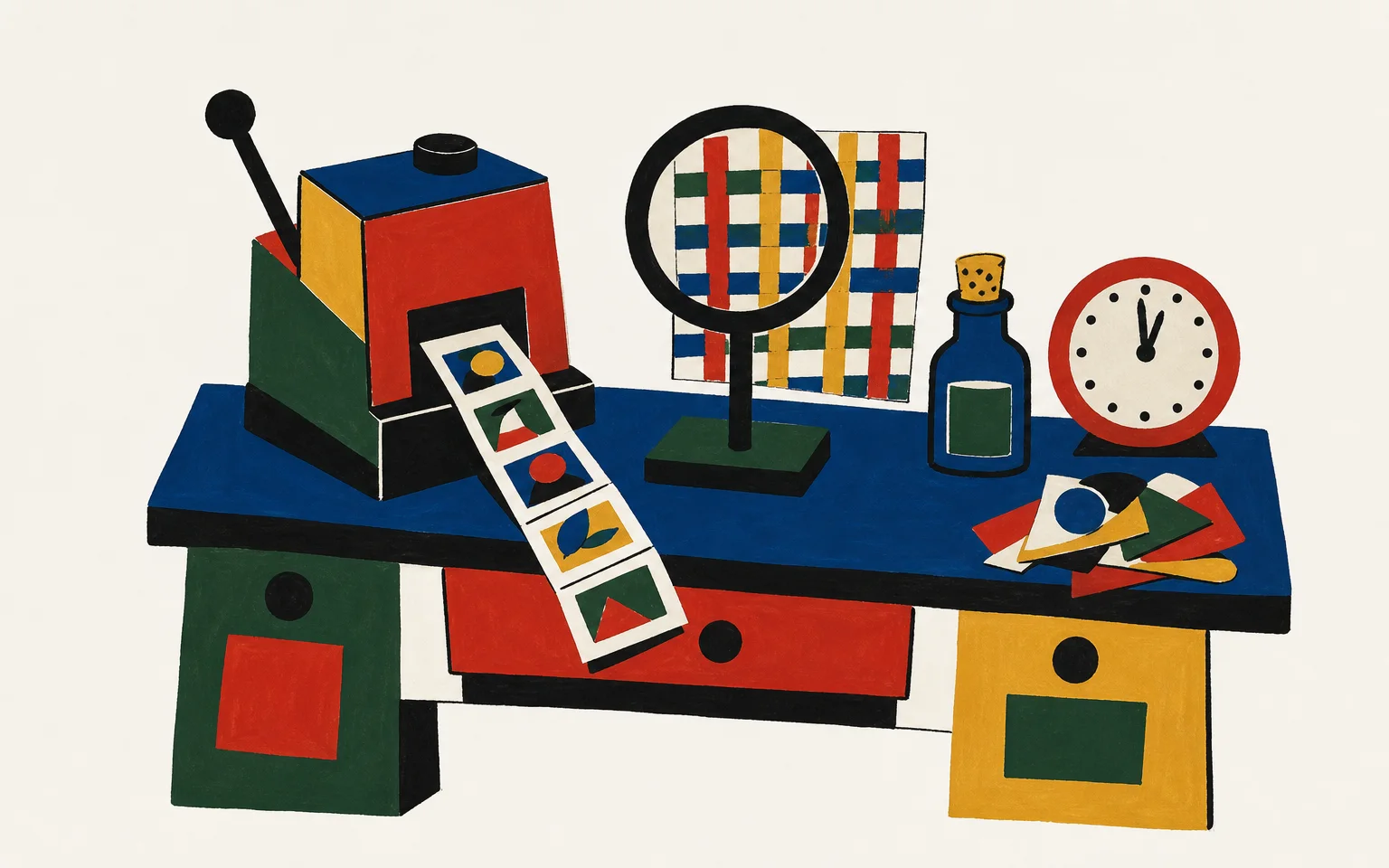
Later that evening, I used imagegen through the Claude agent to produce nineteen illustrations against the visual system I had developed for the site: saturated colour, rough contour, flat painterly composition and objects allowed to remain slightly unruly. One workbench came back as competent product photography—polished, legible and entirely wrong. It had turned the tools into merchandise waiting beneath a studio light, so I rejected it and corrected the art direction before continuing the set.
The lower cost of another attempt lets a personal project reject a merely serviceable answer. References can be tested where the image will live, the prompt becomes more exact after exposing a misunderstanding, and an attractive exception can still be refused because it belongs to the wrong visual language.
It also becomes possible to manufacture polished indifference at alarming speed. Nineteen cheap images do not add up to an art direction. The site still needed a considered palette, a relationship between the pictures, and somebody willing to discard a locally appealing result because it weakened the whole. Generation made the work affordable; it did not make the judgment incidental.
One small tool makes the next one cheaper
ProseDown had already begun changing my expectations. I built it because I wanted Markdown files to open as beautifully rendered native documents instead of launching an editor. Seven days and eight commits after the first source commit, it had a signed, notarised, stapled and Homebrew-installable release.
That week of work did more than solve my reading annoyance. Its release machinery became source material when imagegen needed distribution. The borrowed sed assumption failed when it travelled, but signing, packaging and tap publication no longer began from an empty page. Solving one irritation had reduced the cost of solving the next.
This is the part of agent-assisted development I find genuinely exciting. Software can fit one person’s reading habit, one site’s artwork or one team’s peculiar process and still be worth making properly. It does not need a market large enough to repay weeks of implementation, and it does not have to become a company to justify its existence. We can make many more strange, specific tools which respect their users precisely because they know who those users are.
A project’s existence is no longer proof
The same economics will fill GitHub with projects whose code, tests, CI, documentation and installation path all arrived during the author’s first burst of interest. imagegen acquired almost that entire visible surface in fifteen minutes. Those artifacts still demonstrate care in implementation. They cannot, by themselves, demonstrate years of maintenance or an author’s response to another person’s inconvenient question.
I have started looking for evidence of continued attention instead. Does the author explain the project in public, help its first users, fix what confused them, make another release and remain present after the enjoyable first build? Promotion is imperfect evidence: excellent maintainers can be quiet, noisy projects can disappear, and none of it replaces reviewing software according to the risk of using it. For a very young project, though, sustained public attention tells me something its immaculate first-day repository no longer can.
imagegen made the nineteen illustrations on this site, installs through Homebrew, and works in both Claude Code and Codex. Now I have to keep it working as the API and its dependencies change, and respond when somebody else’s use exposes a problem mine did not.